
A brief and your Spark
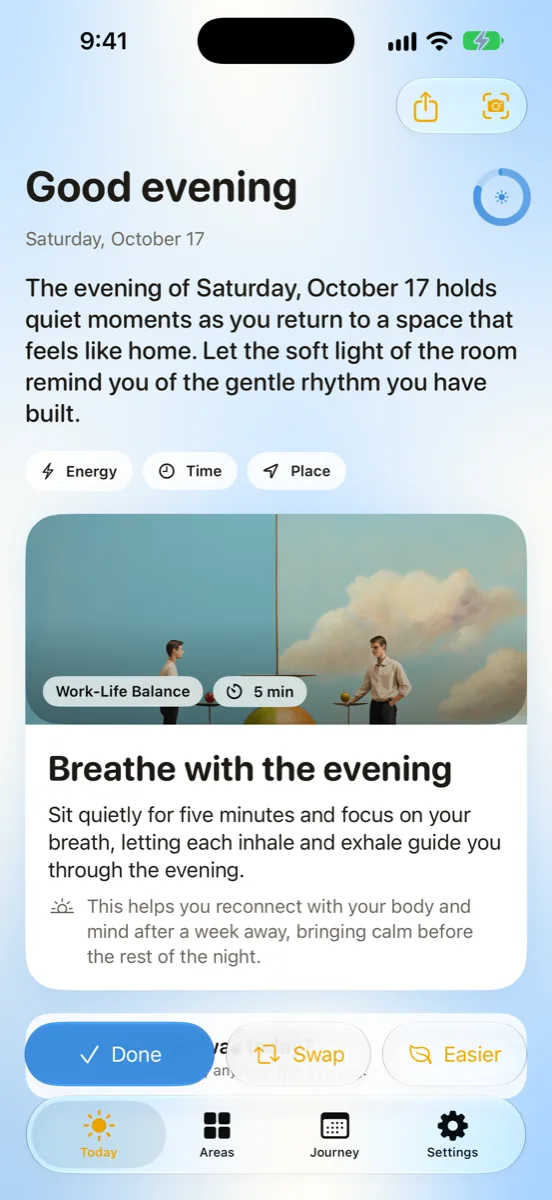
A few lines about the day and one concrete action for one of your areas: five minutes, doable today. Not the right one? Swap it, or ask for an easier version of the same idea.
For iPhone and iPad · iOS 27
Every morning DayBright writes a short brief and one small, concrete action for an area of life you care about. In the evening, a 20-second check-in turns the day into a Glow. All of it is written on your device with Apple Intelligence. No account, no server.
How a day goes
Sparks rotate through the areas you keep active, one a day, so no area is forgotten and none takes over.
A few lines about the day and one concrete action for one of your areas: five minutes, doable today. Not the right one? Swap it, or ask for an easier version of the same idea.
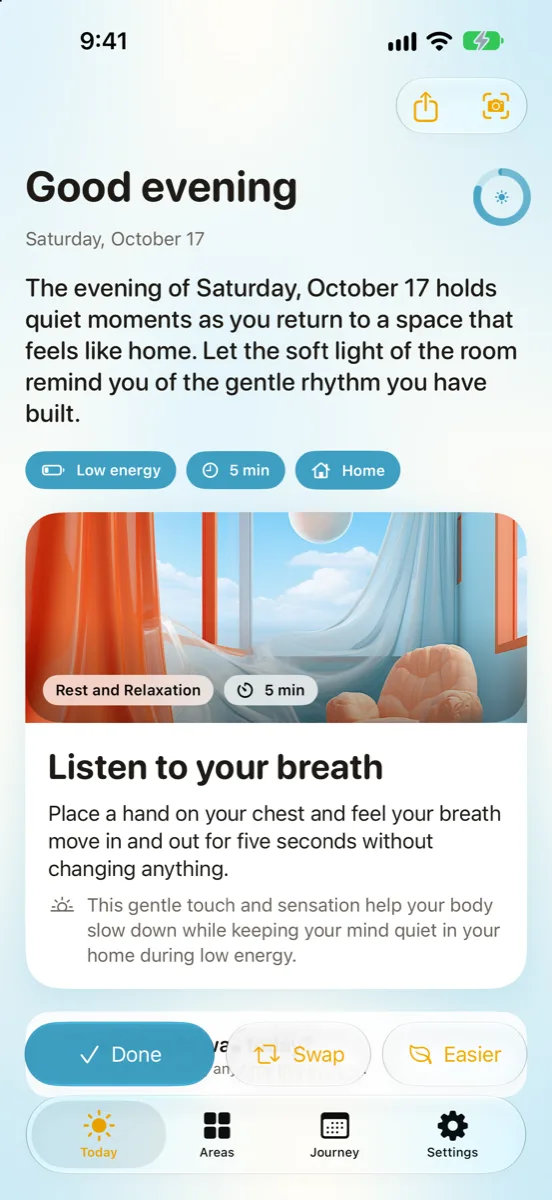
Tap your energy, the minutes you have and where you are, and the spark is rewritten to fit. A spark with a timer runs as a Live Activity on the Lock Screen and in the Dynamic Island.
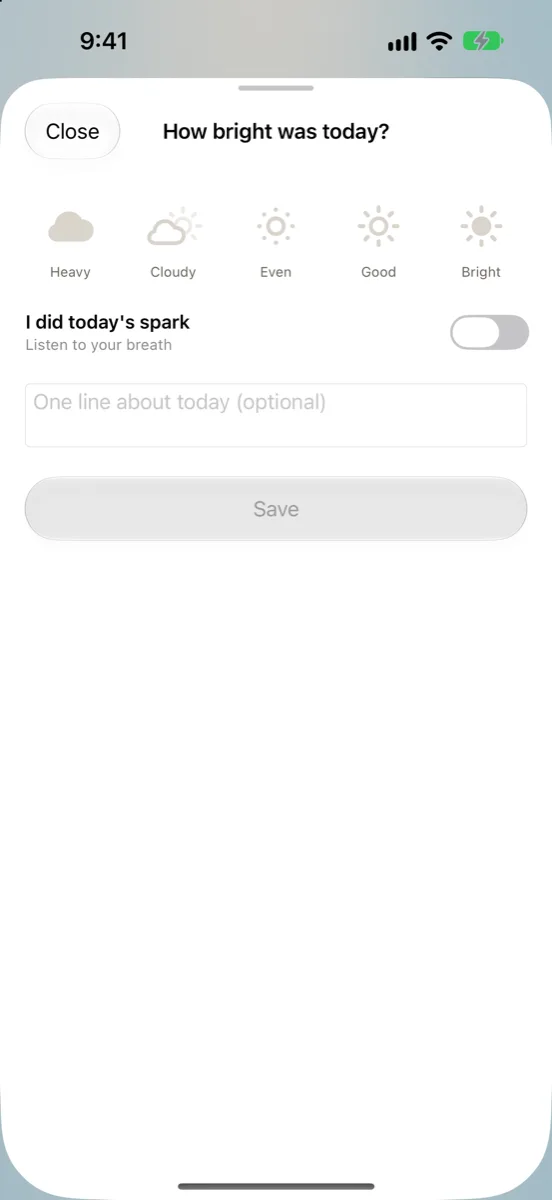
Rate how bright the day was, add a line if you like, and read a short reflection written for that day. Your week ends with a review: a highlight and one suggestion.
Screens
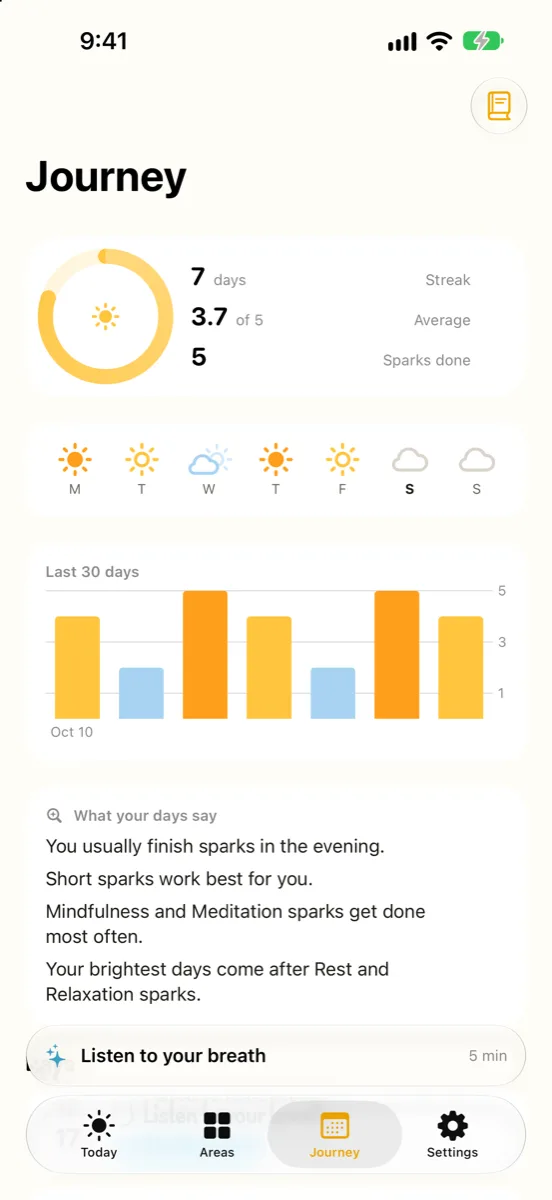
Four screens, a colour family for every area, and nothing to set up before the first spark.
Made on your iPhone
DayBright learns from your own history, on your own phone: when you finish sparks, which areas work for you, how long you like them. The App Store privacy label is “Data Not Collected”.
Read the privacy policyBriefs, sparks, reflections and reviews come from Apple Intelligence running on your iPhone or iPad. Where it is not available, DayBright uses its built-in library.
Your areas, sparks and check-ins live in a private database on your phone. Nothing is uploaded and there is nothing to sign up for.
With DayBright+ and your permission, one line each from Calendar, Weather, Health, Reminders and Contacts shapes the spark: how busy the day is, rain or shine, a short night, a birthday coming up. Never raw titles, and all of it stays on the device.
Everywhere on your phone
“What's my spark in DayBright”, “Mark my DayBright spark done”, “Check in with DayBright”.
DayBright+
Monthly or yearly, billed through your Apple Account, shareable with Family Sharing. Three active areas, the daily spark, check-ins, Journey, widgets and Siri stay free.
Questions
For sparks written for your day, yes: a device that supports Apple Intelligence, with it turned on and a supported language. Without it, DayBright works the same way with its built-in library of sparks and tells you so.
iPhone and iPad on iOS 27 or later. Apple Intelligence is available on iPhone 15 Pro and newer, and on iPads with M1 or later.
No. DayBright has no account, no server and no analytics. The one exception is Weather: if you turn it on, your approximate location goes to Apple's weather service to fetch the forecast, and DayBright does not keep it.
A monthly or yearly subscription that adds personal context, the “fits now” nudge, writing to Health, unlimited and custom areas, and photo sparks. Three active areas, the daily spark, check-ins, Journey, widgets and Siri are free. Prices are shown in the App Store.
In your Apple Account settings (iOS Settings, your name, Subscriptions). Cancelling stops the next renewal and you keep DayBright+ until the end of the period you paid for.
Your areas and history carry over on the first launch of 2.0 and stay on your device. Earlier versions used OpenAI and Firebase Analytics; 2.0 uses neither.
Download and support
DayBright is free on the App Store. Questions, a bug, or an idea for a spark? Write to me@wilder.dev and you will get an answer from the person who builds it.